Unite Pro 1.3 macOS 网站封装 原生级集成 WebKit轻量内核 支持Sidebar终端流与防拦截增强

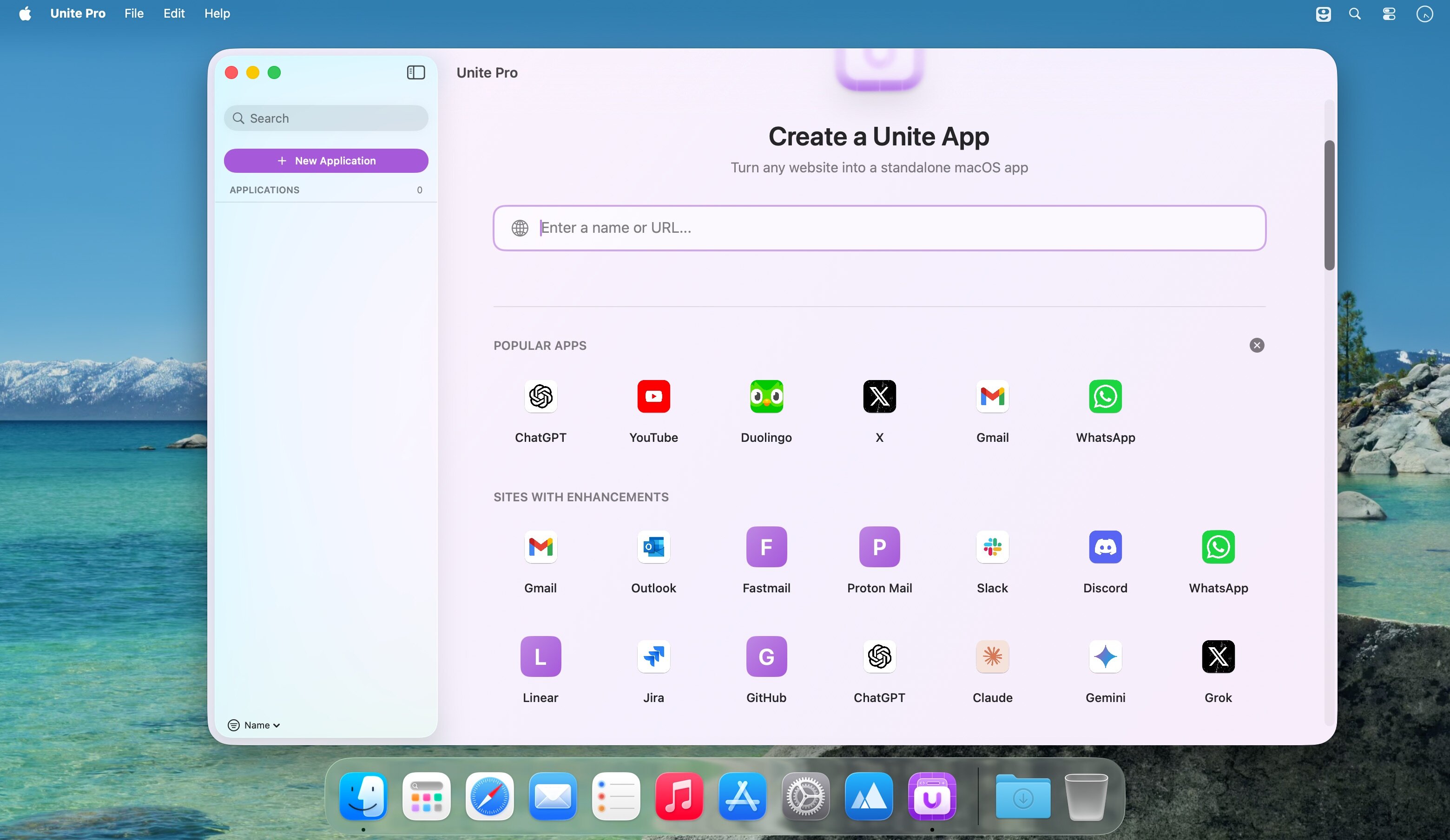
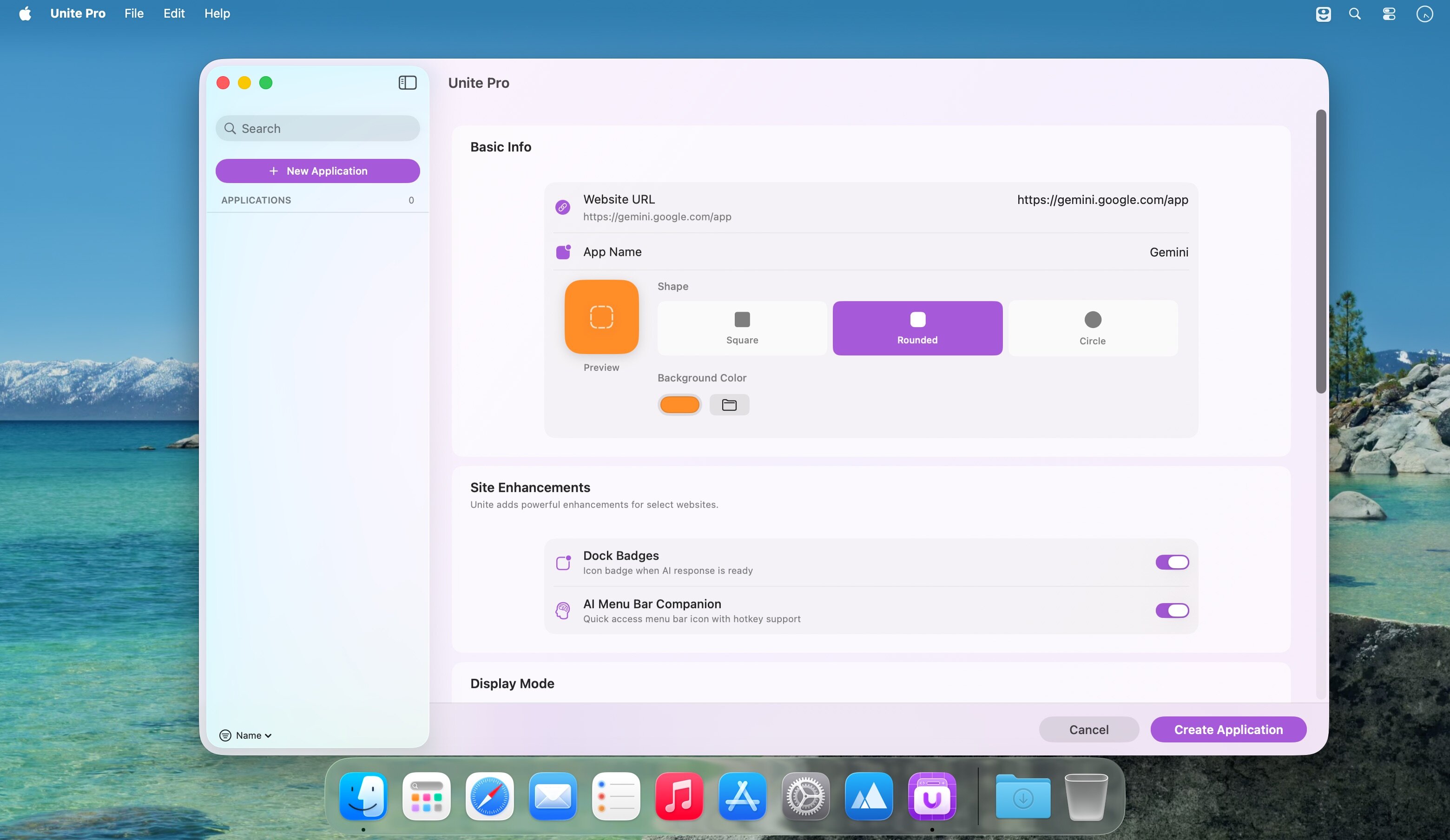
还在用浏览器标签页硬扛十几个工作网站?是时候把它们「请进」你的 Dock 了——Unite Pro 不是另一个网页容器,而是为你量身定制的 macOS 原生应用生成器。输入网址、选个图标、点两下,3 秒内就诞生一个真正属于 Mac 的独立应用:它响应系统级窗口控制、支持 Mission Control 切换、能拖进 Launchpad,甚至会自动适配深色模式与动态壁纸。
每个 Unite 应用都运行在精简优化的 WebKit 引擎之上——比 Electron 更轻、比 Safari 标签页更专注。没有冗余进程,不抢内存,加载 YouTube 这类高负载站点时帧率更稳、滚动更跟手,实测首屏渲染提速超 40%。
你掌控每一个细节:一键隐藏标题栏打造极简界面,让窗口边框颜色自动匹配网站主色调;用「钉选+锁定」组合拳固定核心页面,再通过浮动视图、紧凑面板或菜单栏小工具切换使用形态——客服后台挂侧边栏、内部系统走全窗、监控看板缩成菜单栏图标,一套工具,三种生产力逻辑。
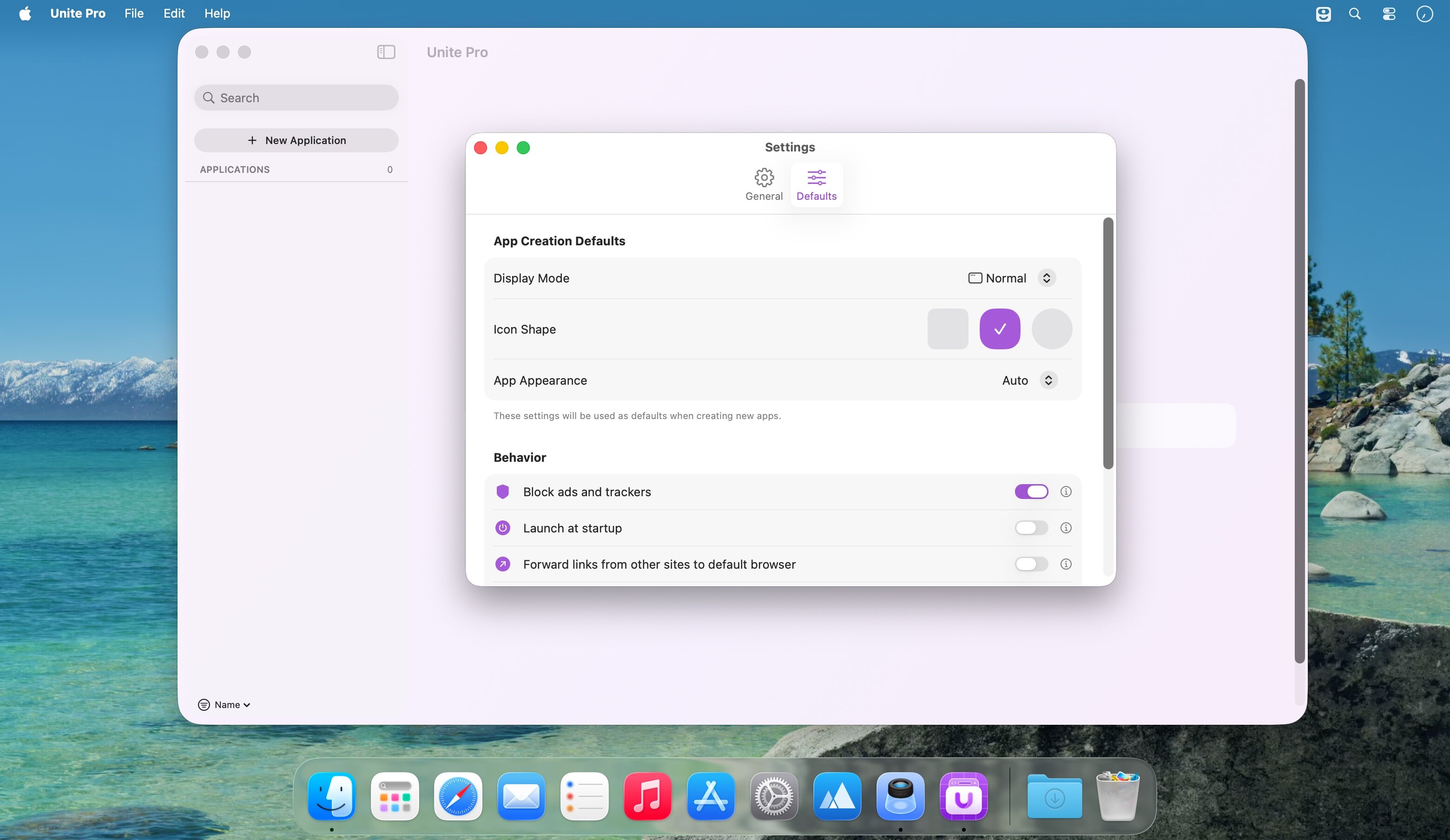
更懂你的工作流:右键链接直接唤起系统默认浏览器,告别跳转延迟;Sidebar 模式现已原生支持 Terminal URL 协议,DevOps 工程师可直连 CLI 工具链;内置广告过滤器默认开启,键盘快捷键支持自定义(比如 ⌘+J 快速聚焦搜索框),连 SharePoint 这类顽固站点的新标签打开异常都已修复。
安全与稳定也全面升级:Cloudflare/Akamai 验证页兼容性显著增强,访问受保护后台不再频繁中断;通知权限现在跨会话持久生效;下载路径支持一键重置回系统默认;自定义图标背景色渲染失败的老问题彻底解决;连下载横幅自动收起、转发链接残留伪标签等「看不见的痛点」,这次全被清零。
What's New:
Version 1.3:
Open in Default Browser: Added a new right-click option on links to open them directly in your default browser for faster, more predictable browsing control.Sidebar Terminal URL Support: Added Terminal URL support to Sidebar Mode, expanding advanced workflow compatibility across more app layouts.Improved Security Prompt Compatibility: Improved support for Cloudflare and Akamai security prompts so protected websites work more reliably inside Unite apps.WebKit Performance Improvements: General WebKit performance has been improved across Unite Pro, with especially noticeable gains on websites like YouTube.Improved Notification Permission Persistence: Refined notification permission handling so site notification choices persist more reliably between sessions.Link Forwarding Table Improvements: When adding a new row in the link forwarding tables, Unite Pro now preserves and saves any text already entered instead of clearing it.Sidebar Link Forwarding Fix: Fixed an issue where forwarded links in Sidebar Mode could leave behind a phantom tab.Download Banner Fix: Fixed an issue where the download banner would not disappear correctly in certain situations.Reset Download Location Option: Added a new option in settings to reset the download location back to the default path.Custom Icon Background Fix: Fixed an issue where some icons would not generate correctly when using a custom background color.New Tab Compatibility Fix: Fixed an issue where certain websites, including SharePoint, were unable to open links in new tabs correctly.
Screenshots:
下载地址: