Cisdem PDF Converter OCR 9.7.0 macOS PDF 转文本 高精度多语OCR 原样版式还原

你手头的扫描件、加密PDF、手机拍的合同照片,甚至夹杂中英日韩的双语报表——现在只需一键,就能变成可编辑、可搜索、带格式的Word、Excel、Pages或EPUB电子书。Cisdem PDF Converter OCR 9.7.0 不是简单“转格式”,而是用工业级OCR引擎为你重建文档生命力:99.8%字符识别准确率,连表格边框、多栏排版、图文混排都原封不动复刻,告别错位表格和跑飞的段落。
它支持49种语言混合识别(含简繁中文、日文汉字、韩文、法德西意等),处理跨国采购单、学术论文或海外财报毫无压力;更贴心提供智能区域标记系统——自动按文字/图片/表格/空白区着色分层,你还能手动圈选关键区域,精准控制哪段转文本、哪张图留原样。
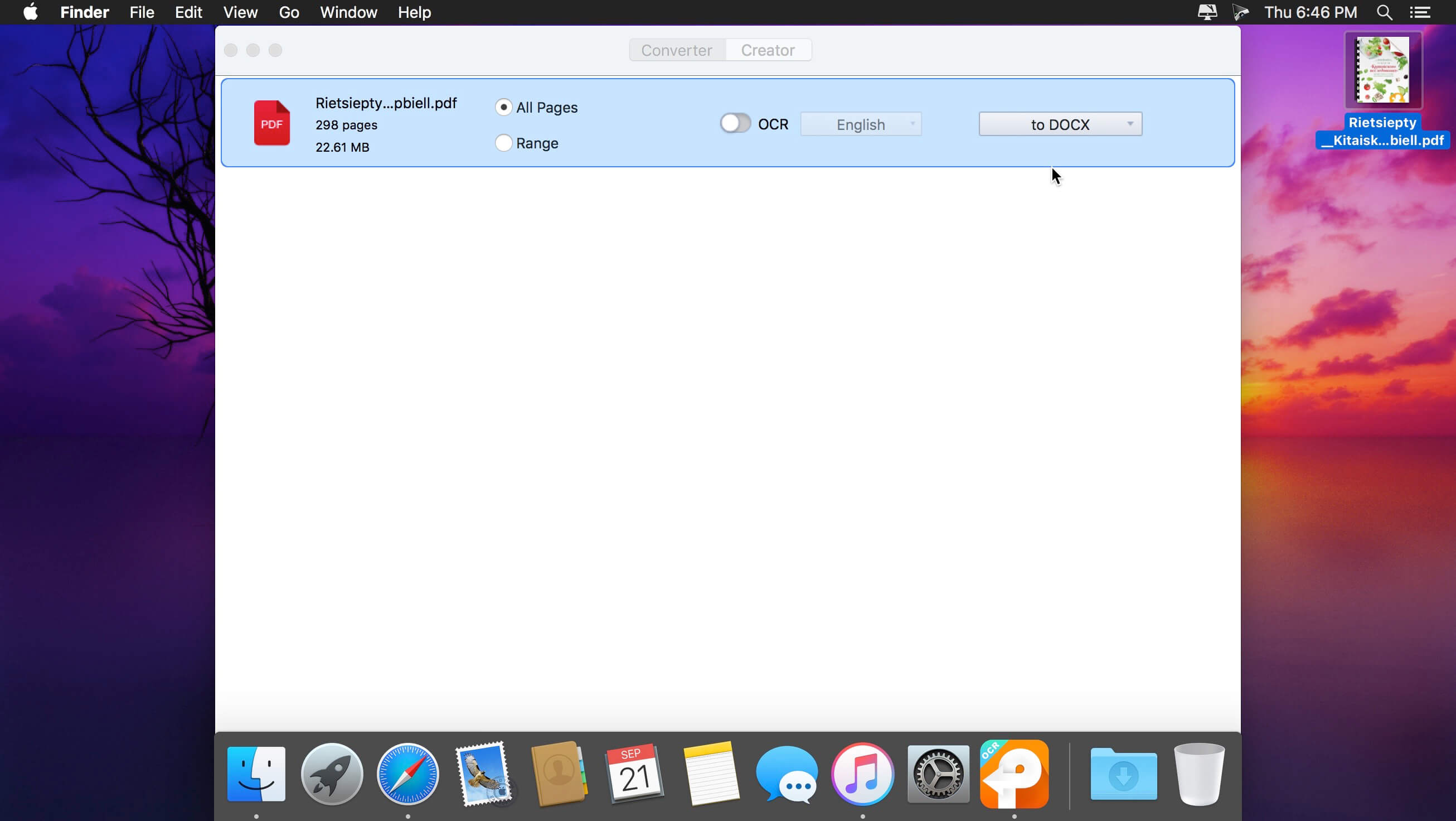
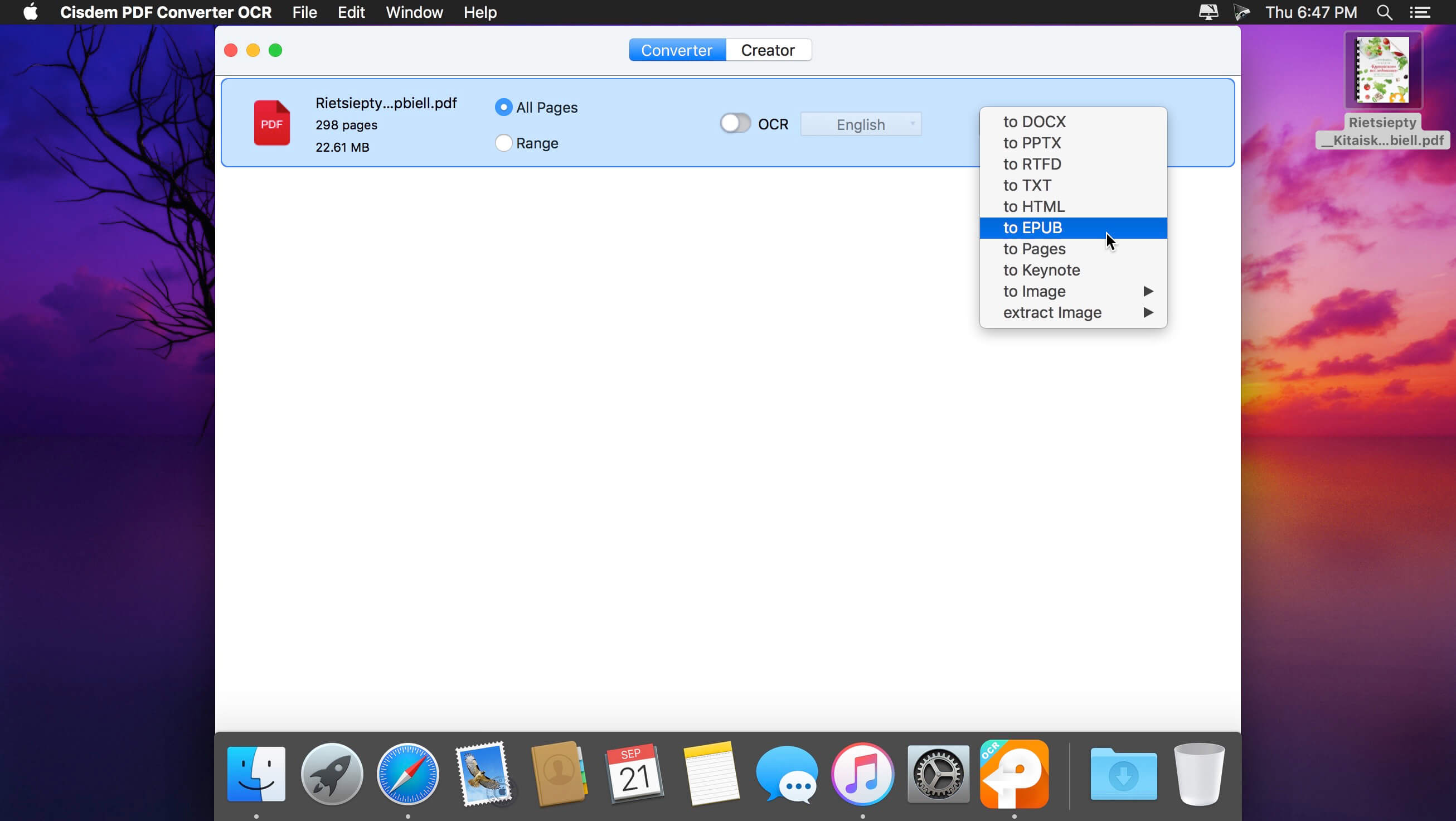
输出自由度远超同类工具:想发邮件?导出为Word或RTFD;要上iPad阅读?生成自适应EPUB;需嵌入网页?一键输出HTML;甚至直接转成Keynote幻灯片或TIFF高清图用于印刷存档。所有转换过程在Mac本地完成,隐私零上传,敏感文件安心处理。
新版9.7.0专为macOS最新系统深度调优:图标全面适配Dark Mode与Retina显示,批量转换速度提升40%,复杂PDF秒级响应——无论是律所每日百页案卷、高校教师整理古籍扫描件,还是自由职业者快速提取发票数据,它都是你桌面最可靠的文字解码伙伴。
Features
Multi-option output formats and 100% maintainance of original layouts - Cisdem PDFConverterOCR can easily convert PDF files to editable MS Office Word, PPT, and Excel documents; create E-books in EPUB formats for tablets and portable readers; convert PDF to HTML so as to publish and share PDF content on the web; convert Adobe PDF document and images to iWork files (Pages, Keynote) for use in other office editor apps (such as Pages, Quick Office, or Keynote); or serve as a PDF-to-image converter which lets you convert PDFs into a wide variety of image formats, including JPG, TIFF, PNG, BMP, and GIF.Customize your conversion with options specific to area - Cisdem PDFConverterOCR lets you convert images with text into text documents. It automatically marks every part of a loaded PDF or image file in different colors, based on the nature of a given part. Or you can do more precise markup on PDF or image files with 4 options: select, mark texts, mark images, and mark tables.Support 49 languages scanning and recognizing - Cisdem PDFConverterOCR offers the ability to scan and recognize text in 49 languages, including English, French, Italian, Chinese, etc., and also supports conversion of PDF files that contain multiple languages.Accurate PDF OCR conversion - With up to 99.8% character recognition accuracy, we assure you that the converted documents look exactly like the original - tables, columns, and graphics.
What's New:
Version 9.7.0:
Optimized icon for compatibility with the latest macOS.Improved conversion performance.
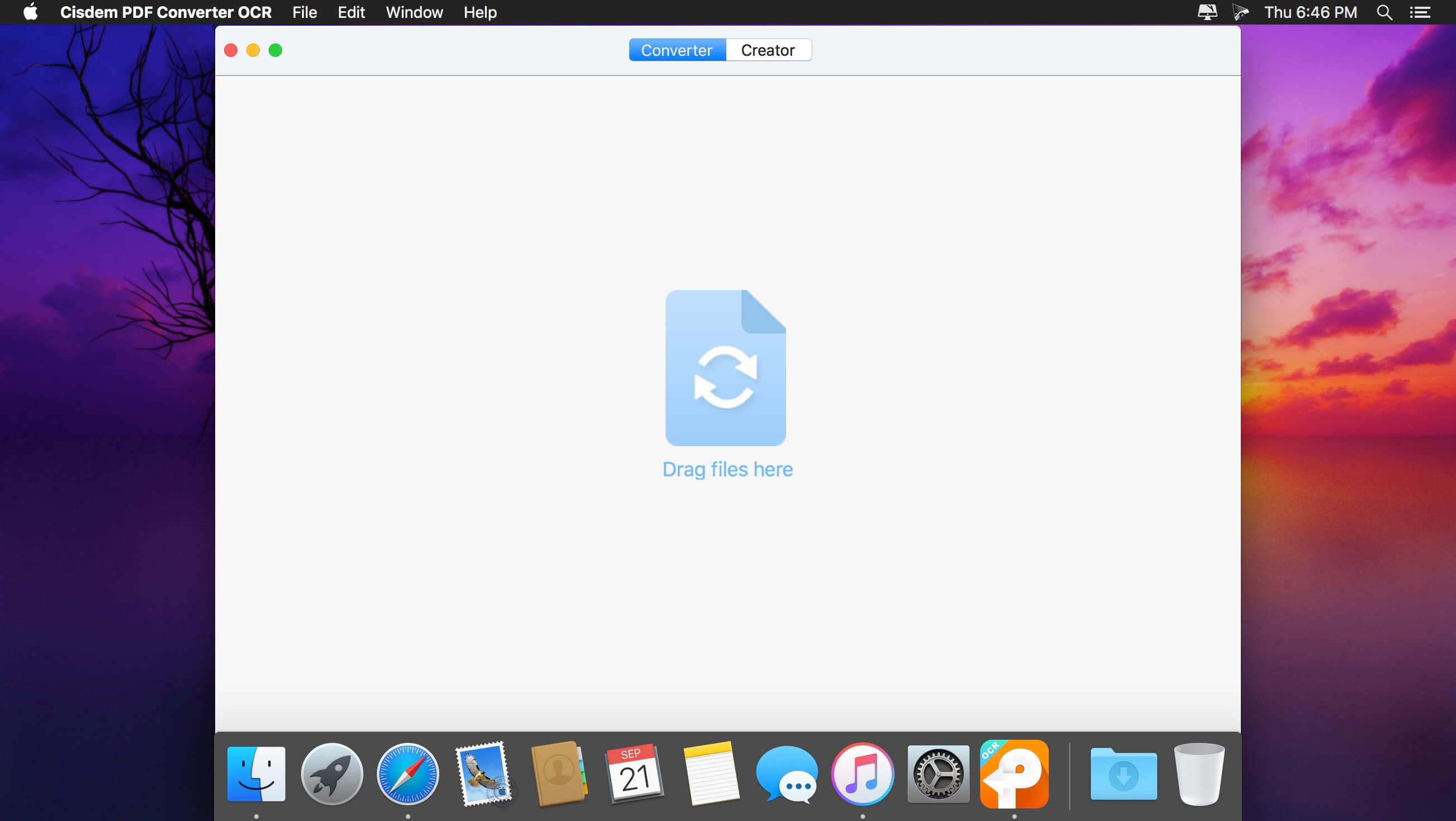
Screenshots:
下载地址: