Zipic 1.9.3 download
Zipic 1.9.3
Zipic is a native macOS application designed for efficient, high-quality image compression. It lets users shrink image files locally, with no uploads or dependency on the cloud. All processing happens on your own device—so your privacy and speed stay intact.
Key Features and Highlights:
High Compression, Near-Lossless Quality: Zipic utilizes powerful compression algorithms to achieve a high compression ratio with minimal perceived quality loss, making the compressed image virtually indistinguishable from the original.Fast Local Processing: Being a native macOS application, all image processing occurs locally on your device. This ensures lightning-fast performance, efficient handling of massive batches, and high data privacy with no cloud uploads or network dependence.
Comprehensive Format Support: The tool supports a wide range of formats, including basic ones like JPEG, PNG, WebP, HEIC, and GIF, and Pro formats like AVIF, JXL, TIFF, and ICNS.Effortless Workflow: It offers multiple simple compression methods, including drag-and-drop, folder monitoring, and Finder integration (right-click).Custom Control: Users can create custom presets for different quality levels and scenarios, allowing for precise control over the compression outcome.Pro Features for Automation: Advanced features include Clipboard auto-compress, Folder Watch for automated compression in specific directories, and integration options like Raycast Extension and Apple Shortcuts.
Zipic aims to be the seamless solution for developers, designers, bloggers, and photographers who need to optimize and compress images efficiently.
What's New:
Version 1.9.3
Brand-new PDF engine: replaced Ghostscript with our own pdfoptim. No more 30 MB dependency download — it works out of the box, with smarter image downsampling, font subsetting, and object deduplication for more predictable results.Brand-new GIF engine: replaced gifski with our own gifoptim, preserving per-frame delays and the original loop count so animations look more natural.Refined PDF quality levels: levels 1–6 now map to a more intuitive quality gradient, from near-lossless to aggressively compact.
Friendlier handling of encrypted PDFs: encrypted documents now surface a clear error message instead of silently failing.
Bug Fixes
Fixed the first-run dependency prompt for PDF compression. The engine is now bundled — drop a file in and it just works.
Improvements
Upgraded the PNG compression core to the latest version for better compatibility and stability.Slimmed down the app’s runtime dependencies, reducing the wait time on first use.
Screenshots:
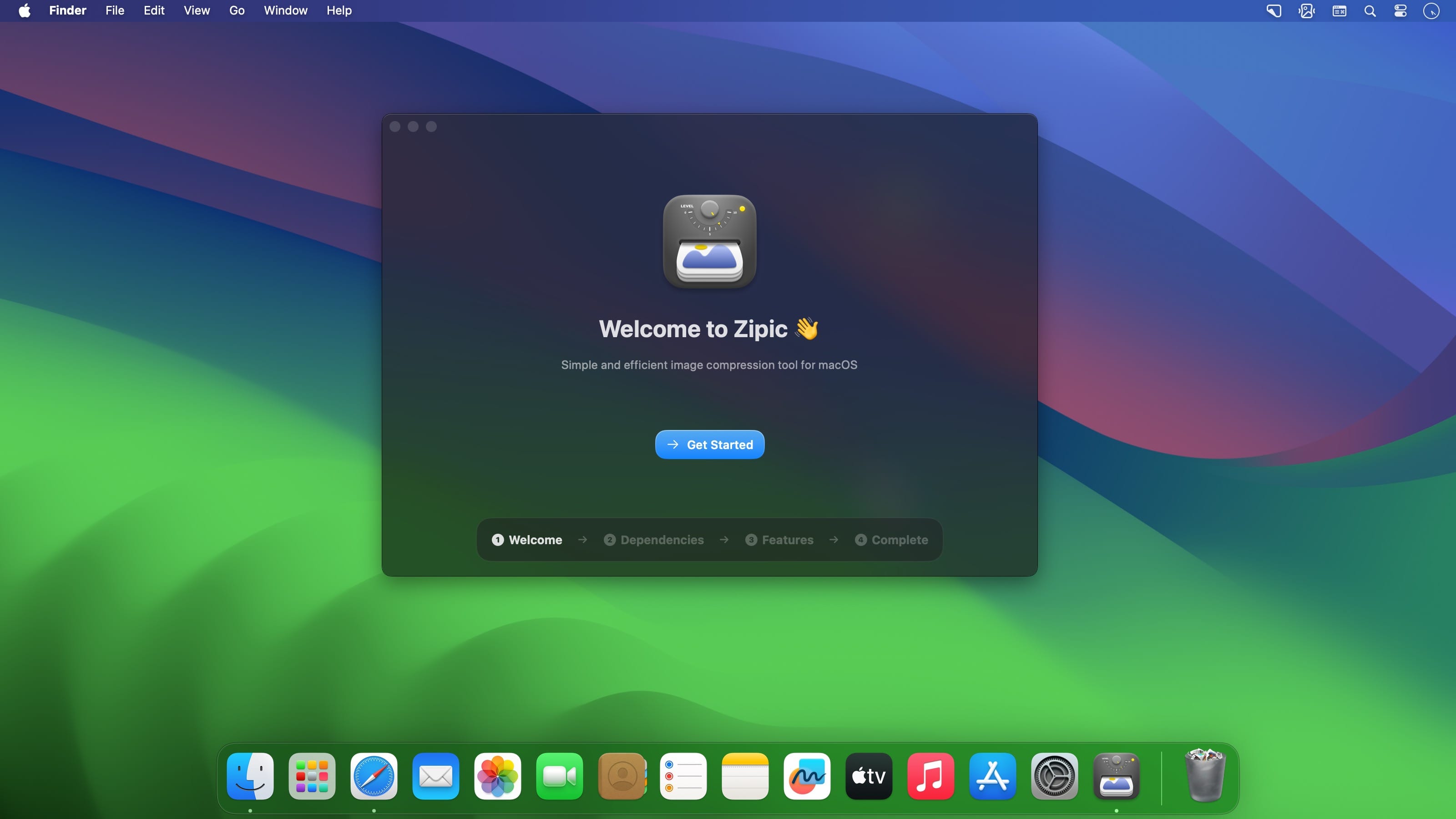
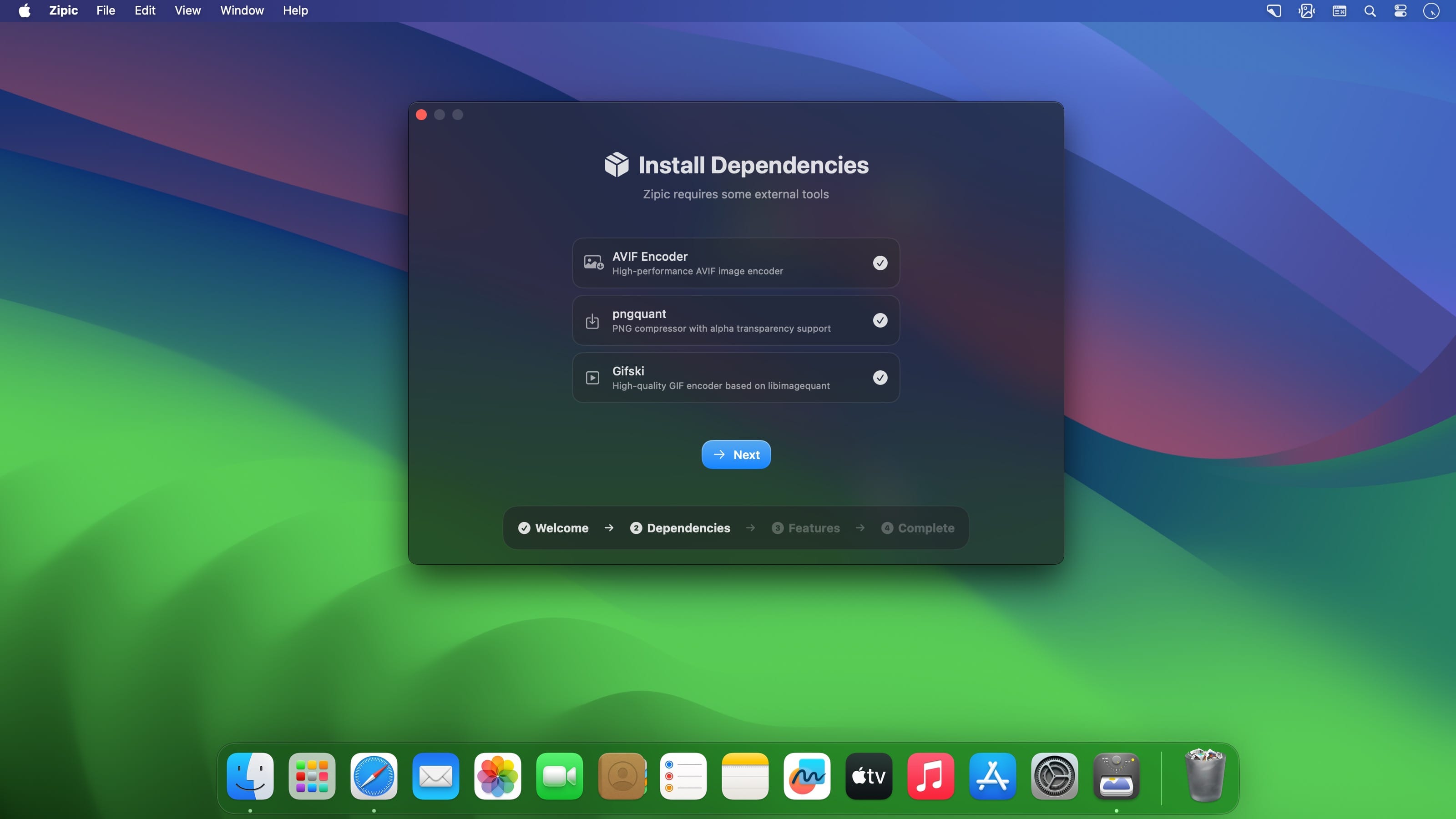
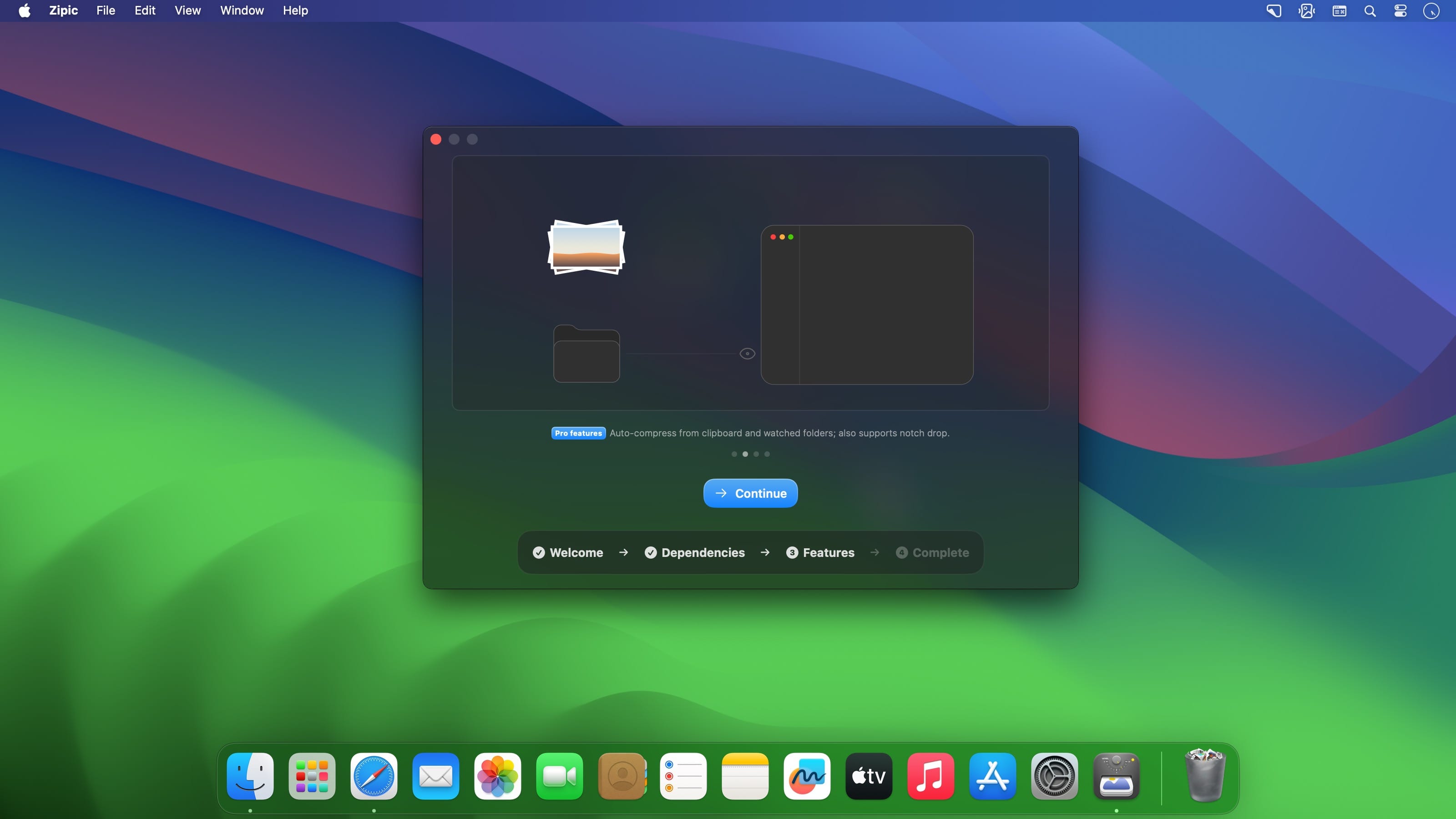
下载地址: