OmniOutliner Pro 6.1.0 download
OmniOutliner Pro 6.1.0

OmniOutliner 6 Pro - Outline: think, write, do. Create perfect outlines with a powerful, productive app. This is your all-purpose tool for Mac with smart columns, scriptability, custom styles, templates, and more.
Saved Filters PRODocument StatsDistraction-Free ModeResource SearchTouch Bar SupportTypewriter ModeDark ModeCustomizable Keyboard Shortcuts ProSlide-In Sidebars ProMultiple-Row Focus ProOPML ModeExcel Export ProColumn Width Improvements ProStyle Preview Pro
Touch Bar
Context-aware support for Apple’s latest MacBook Pro. Get quick access to the most relevant controls.
Password Protection
Encrypt the documents you’d prefer to keep private. OmniOutliner can now encrypt documents with a password.
Smart Columns
Add columns to any document that deserves them. Columns can be used to summarize data—like summing up your monthly budget numbers—or a different type completely, like a multiple choice selection.
Audio Recording
Record audio for posterity while you take notes in outline form. The recording is stored inside the document and can be played back to make sure you got everything right.
Customizable Keyboard Shortcuts
Customize the shortcuts OmniOutliner uses across the board. Used to shortcuts from another app? Set them up in OmniOutliner 5 Pro.
Saved Filters
Not only can you instantly search your document for keywords or checked boxes, but OmniOutliner 5 Pro allows you to save those filters in the sidebar.
Slide-in Inspectors
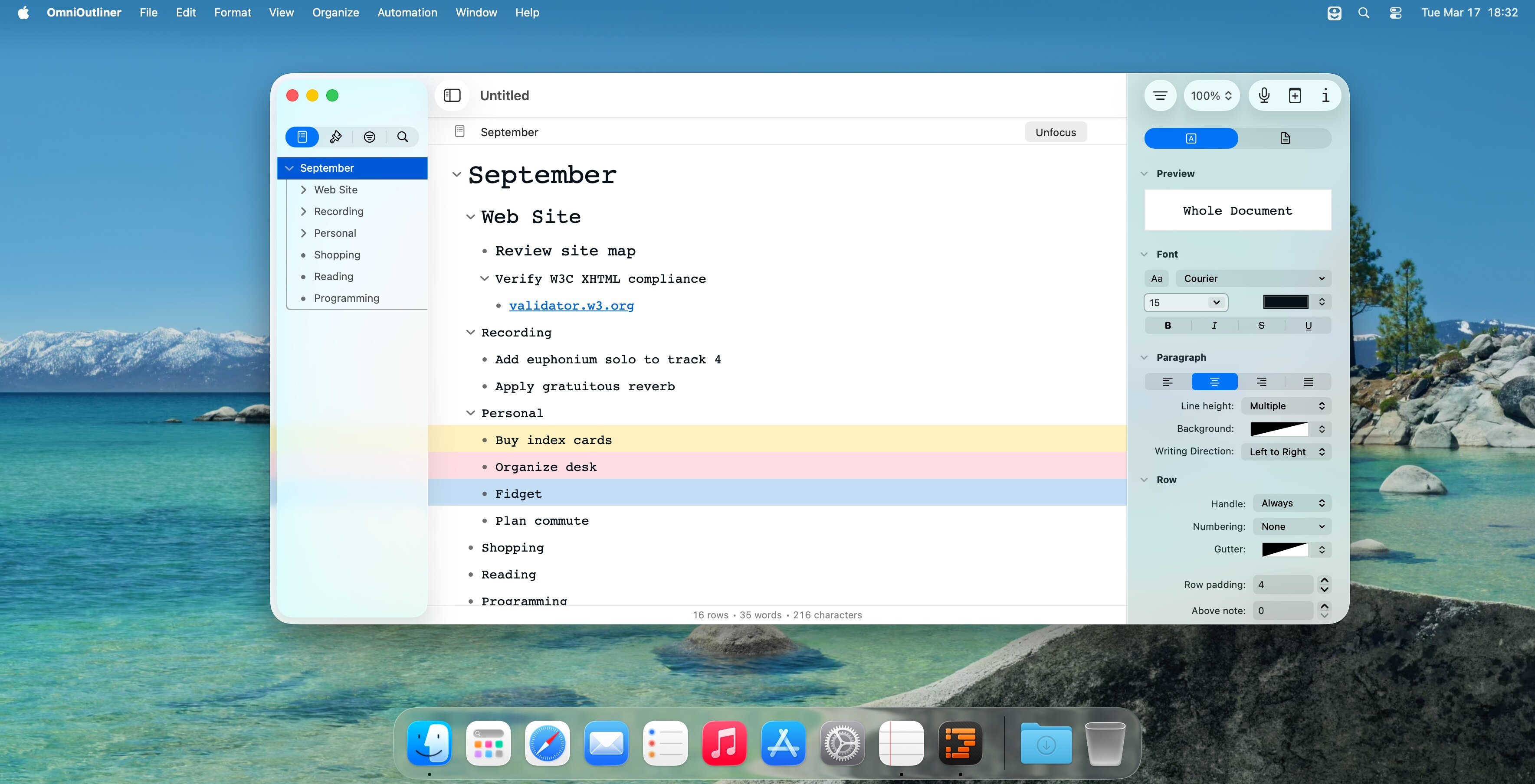
We’ve drastically improved full-screen mode by adding a preference for automatic hiding of what you don’t need to see. Simply slide your mouse over to the left or right sides of your screen to access the Sidebar or Inspectors.
AppleScript Support
Combine the AppleScript language with OmniOutliner’s wonderfully documented library for serious automation.
Custom Toolbars
Each document is different than the last, so don’t get stuck with using the same toolbar with every document. In Pro, create a document-specific toolbar that gets saved in the file itself.
What's New:
Version 6.1.0:
All Platforms
Shortcuts — New Shortcuts actions for:Create New OutlineGet All ColumnsGet Column with NameGet Outline ColumnGet Note ColumnGet Status ColumnGet Selected RowsGet Outline RootGet Outline Row with IdentifierGet Children for RowGet All Descendants for RowKeep Sorted by ColumnSet Column SummarySet Column VisibilityAdd Child to RowDelete RowSet Rich TextAppend Rich TextPrepend Rich TextGet Row Value in ColumnSet Row Value in ColumnAdd Column to OutlineAdd Value to Pop-up List
Mac
Open Panel — Open panel is now presented when OmniOutliner launches with no documents to restore.Open Panel — Added a New Document button to the Open panel.Sections List — Reordering in the Sections List works reliably.
Screenshots:
下载地址: