Keep It 2.8.3 download
Keep It 2.8.3

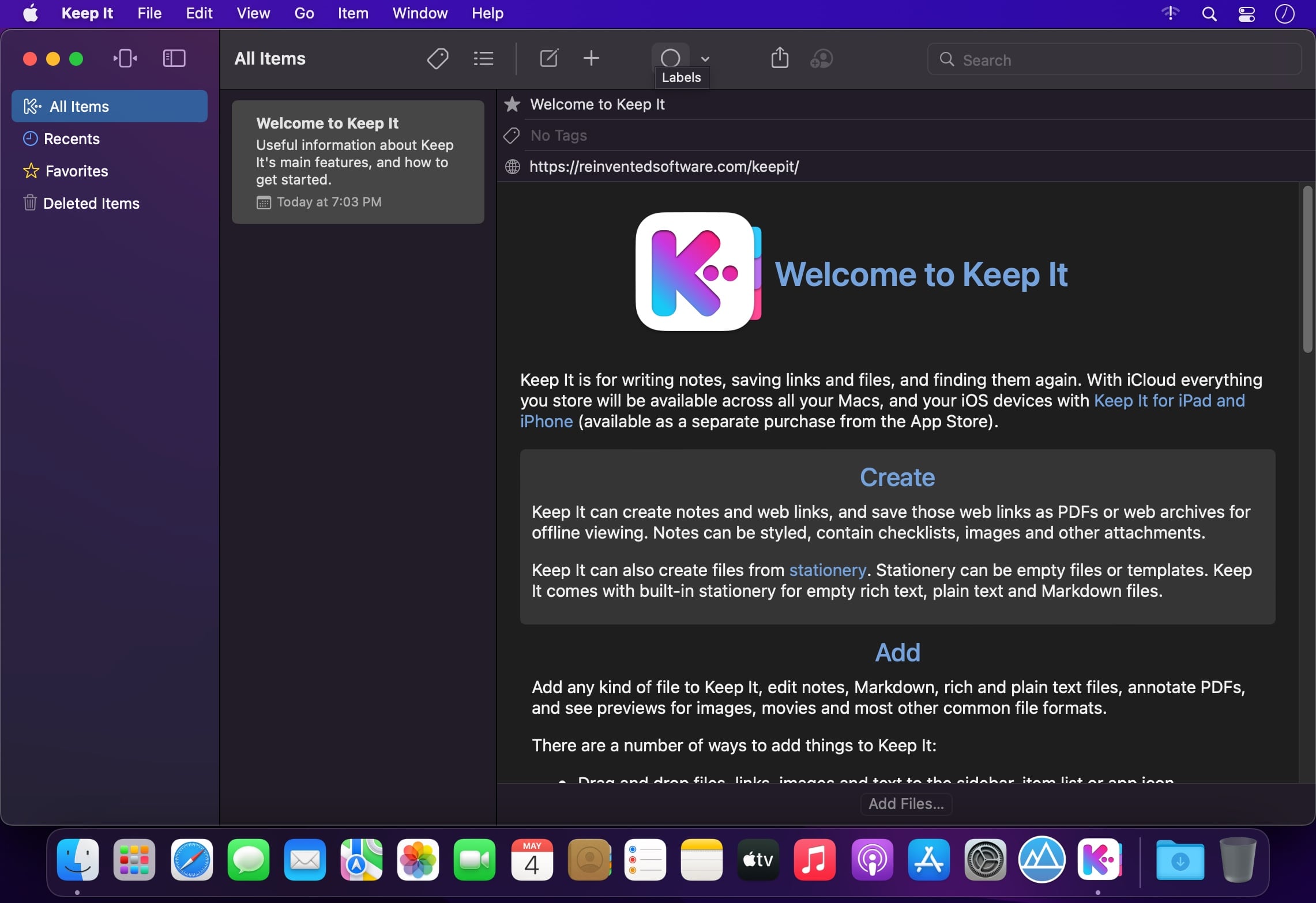
Keep It is for writing notes, keeping web links and documents, and finding them again. Available on Mac, and as a separate app for iPhone and iPad, Keep It is the destination for all those things you want to put somewhere, confident you will find them again later.
Notes and Links
Make Notes
Create notes with built-in styles that look good and read well on all your devices. Notes can contain checklists, bulleted and numbered lists, images, links and other attachments.
Save Web Links
Save web links to Keep It, view them in the app, open them in your browser, or save them as PDFs for offline reading.
Files
Add Anything
Any kind of file can be added to Keep It or saved to its folders, and opened for editing in their original applications. With iCloud, changes are automatically made available across all your Macs and iOS devices.
Preview and Edit
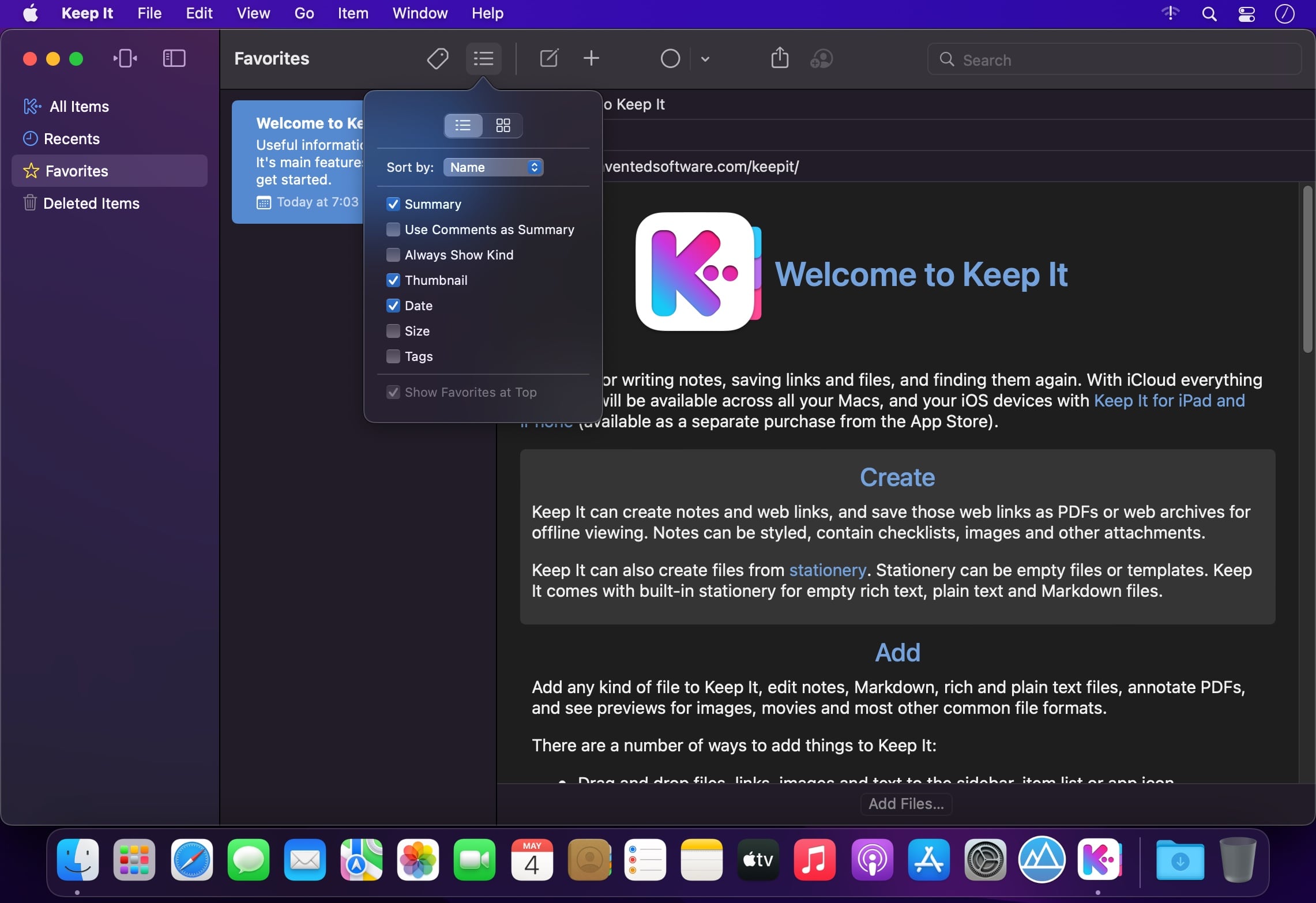
Keep It generates thumbnails and summaries for most files, can edit its own notes, rich and plain text files, and show previews for PDFs, images, web pages and most other documents.
Search and Filter
Search
Keep It can search the content of most files. Suggestions appear as you type, allowing you to narrow down results to exactly what you need, or use keywords and natural language. Save searches for later reuse.
Tag Filter
Keep It’s Tag Filter makes finding things by their tags a pleasure. Choose a tag to see all the tagged items and any other relevant tags; choose another tag to drill down further.
Organize
Folders
Folders let you organize items and bundles hierarchically, when needed. Select a folder to see everything it contains.
Bundles
When you need to gather things into one place, make a bundle. Items can be in more than one bundle at a time, and when you remove the bundle, everything else stays where it was.
Labels
Use labels to color-code items for quick visual recognition. Labels are listed in the sidebar so you can quickly see everything with a particular label.
More Lists
Use the Recents list to see things you’ve added or viewed lately, with the latest shown at the top. Favorites provide quick access. Deleted Items are automatically removed after 30 days.
Where You Need It
Compact Mode
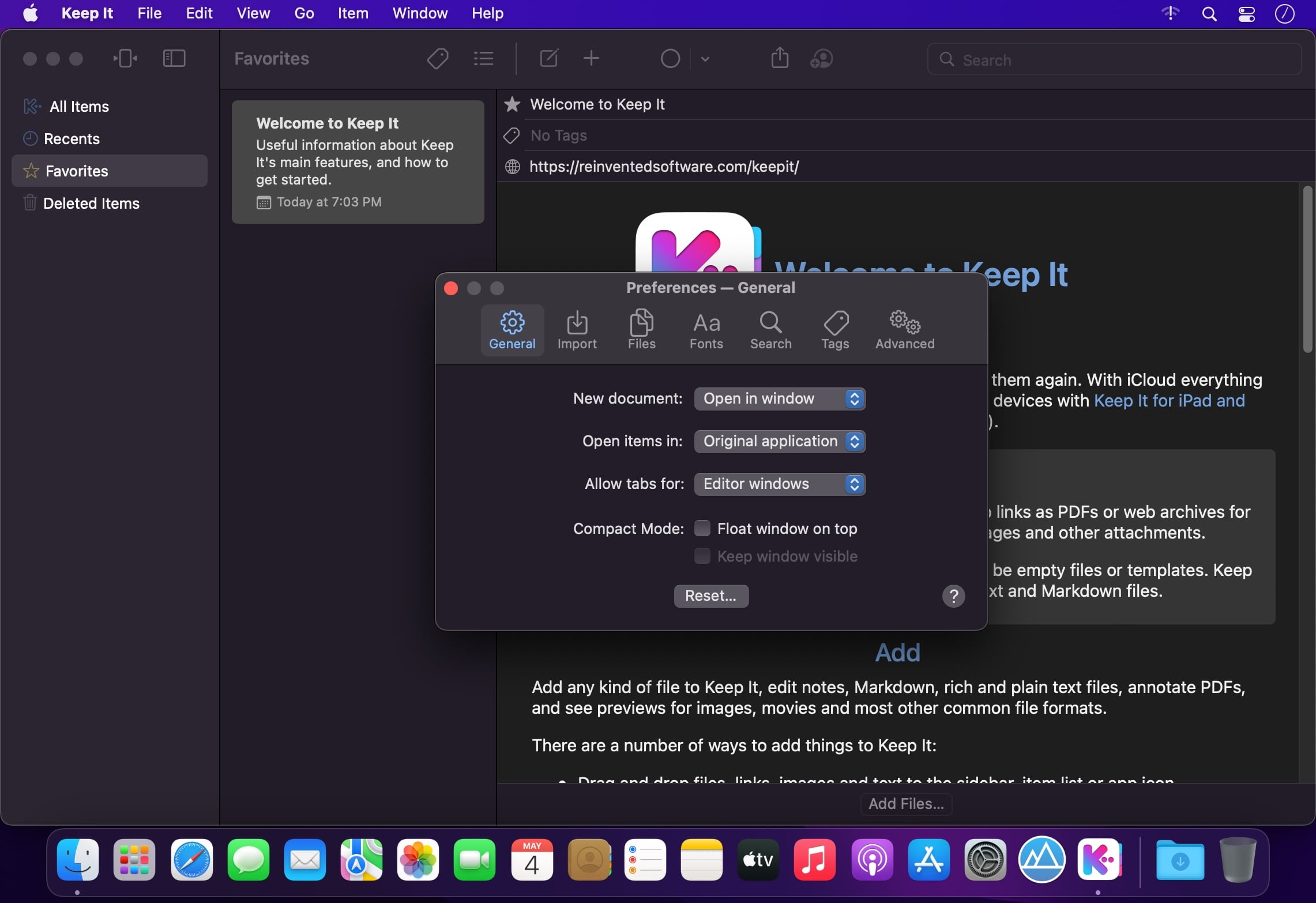
In compact mode, Keep It for Mac becomes a single column, ideal for using alongside other apps or in split screen.
Works with Other Apps
Pretty much anything can be dragged to Keep It, and you can also add things from a variety of apps with Keep It’s share extension.
What's New:
Version 2.8.0
SUMMARY:
Improvements when importing from a scannerImprovements linking to itemsShortcuts improvements
NOTES EDITABLE TEXT FILES:
Improved Insert Link panel no longer requires you to specify what you’re insertingImproved display margins at the medium size
SCANNING DOCUMENTS:
When importing from a scanner, the default name now includes the date and timeAdded an option to Import settings to show the Import View when importing from a scanner
SHORTCUTS:
Added an “Append Link” action for appending a clickable link to a note or editable text fileAdded a “Match Name Exactly” option to the “Find Items” action
GENERAL:
Improvements to the Import View or Share Extension for renaming a fileImproved name generation, particularly in non-Latin languagesNotes and rich text documents will now show thumbnails for attached PDFs in List View
Screenshots:
下载地址:
下载地址: