Topaz Photo Pro 1.4.0 download
Topaz Photo Pro 1.4.0

AI-powered photo editing tool that improves photos pixel by pixel.
What is Topaz Photo AI? It is a new-generation photo editing tool that uses AI technology to perfect and denoise pictures pixel by pixel. Topaz Photo AI simplifies the editing process for photographers and designers. Its groundbreaking suite offers multiple tools to satisfy both amateurs and confident pros.
Topaz Photo AI allows editors to denoise, sharpen, upscale, preserve text, recover faces, remove objects, correct lighting, and balance color. Professional photo editors will be amazed at how much power Topaz Photo AI gives, and beginners will appreciate how easy and intuitive this tool is.
Topaz Photo AI helps you Sharpen, remove noise, and increase the resolution of your photos with tomorrow’s technology.
Maximize the potential of your photos.
Magically enhance image quality and resolution based on a deep understanding of the contents of your photo.
Enhance Quality
Maximize the visual quality of your images with best-in-the-world noise and blur reduction. Particularly useful in difficult settings with fast-moving subjects, low light, or atypical environments.
Crisp, clear, and noise-free.
It’s a magical feeling to see noise evaporate while sharp detail remains. Topaz Photo AI understands the contents of your image and accurately determines the difference between image detail and noise.
Tack-sharp subjects.
Unlike traditional sharpening, Topaz Photo AI’s Sharpen module naturally reverses root causes of blurriness (camera shake, motion blur, missed focus) to create more natural results. In the absence of blur, sharpness remains – crisp, clear detail that’s free of edge haloes or other artifacts.
Increase Resolution
Join hundreds of thousands of photographers and designers who use Topaz technology to generate real image detail for better printing, cropping, restoration, and more.
Magically add real detail.
Topaz Photo AI “remembers” real detail from millions of similar images, then fills in missing pixels based on that understanding. (It’s like how you can picture a friend’s face without being physically in front of them.) Add real image resolution to your photos for tighter crops or better prints.
Recover faces naturally.
Introduced in 2023, the breakthrough Face Recovery AI offers remarkable detail enhancement for low-resolution or blurry faces.
Intelligently improve lighting.
It’s a magical feeling to see noise evaporate while sharp detail remains. Topaz Photo AI understands the contents of your image and accurately determines the difference between image detail and noise.
Improve efficiency with Autopilot
Specify adjustments based on detected image attributes like subject, faces, noise, and blur levels. Autopilot allows you to mold Photo AI to your workflow and unique photographic style.
Easy workflow
Topaz Photo AI works directly on your Mac or PC. Use the standalone to batch process thousands of images in sequence, or use it as a Photoshop plugin for tight workflow integration. We’ve also partnered with major hardware manufacturers like Nvidia, AMD, and Intel to make Photo AI run as fast as possible for your computer.
What's New:
Version 1.4.0
Auto Mode for Wonder 2 — Pre-downscaling Wonder RecommendationFaster Installation — Recommended On-Demand Model DownloadFaster Analysis on Mac — Improved image analysis efficiency to reduce analysis time
Screenshots:
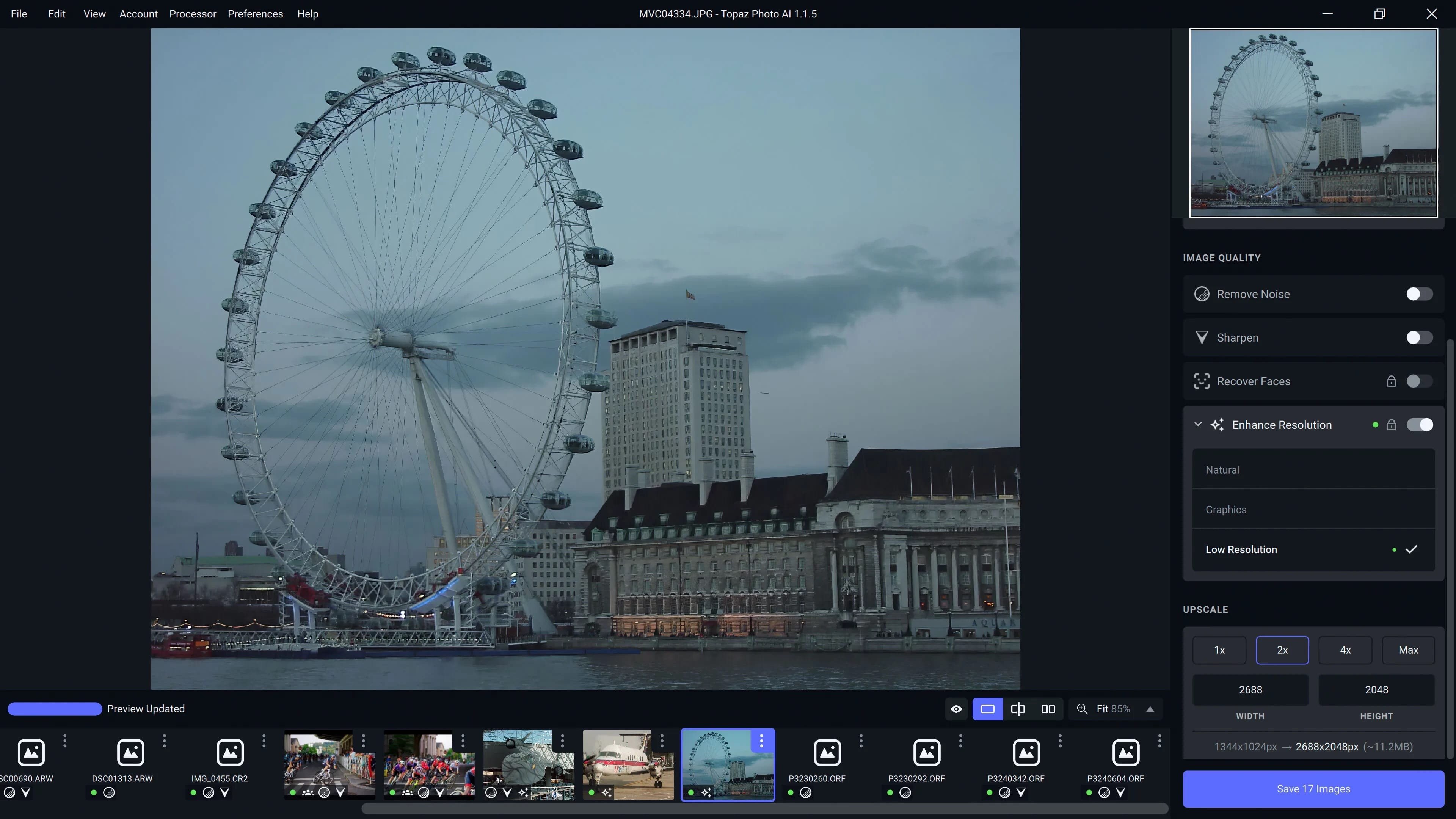
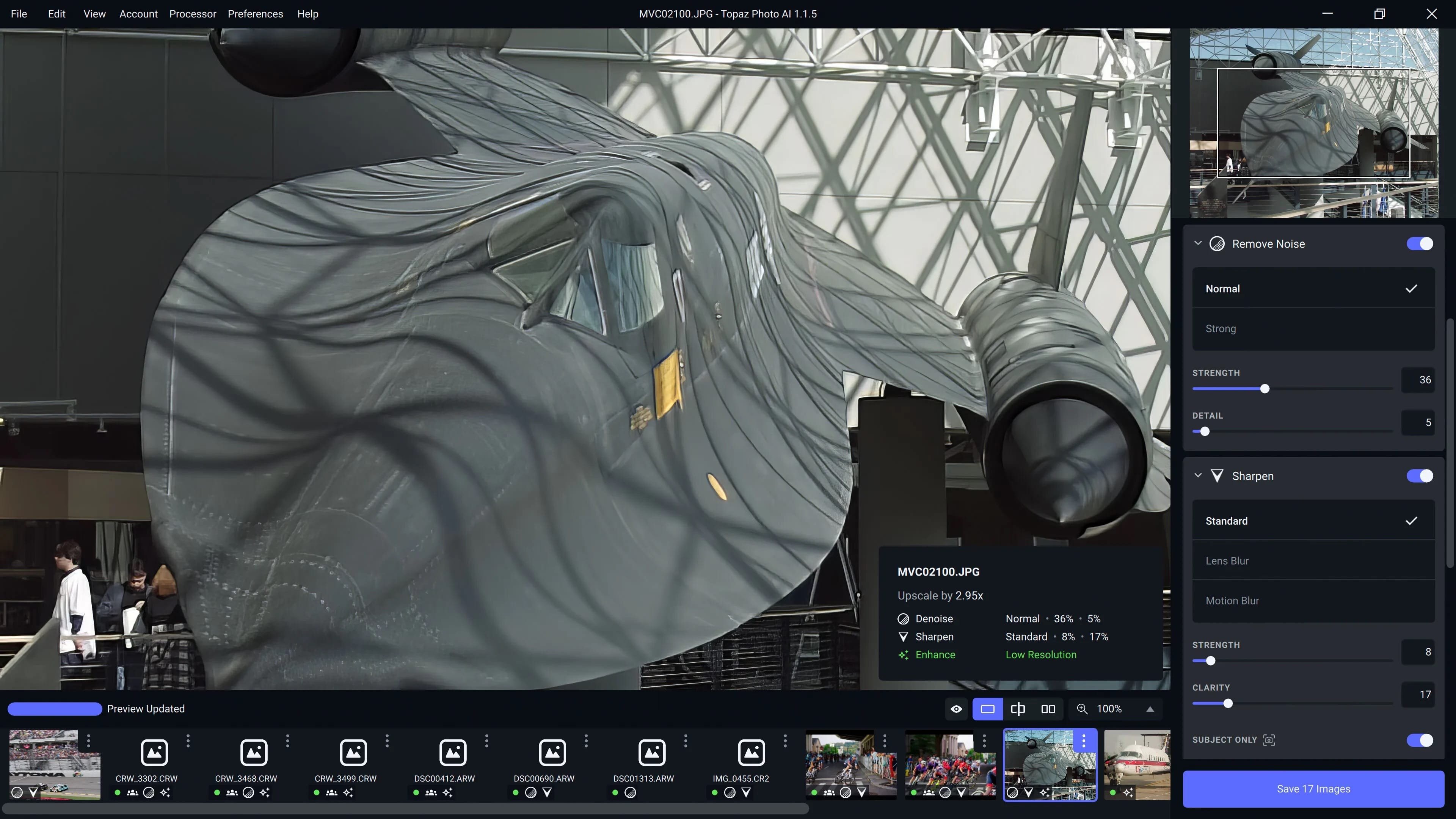
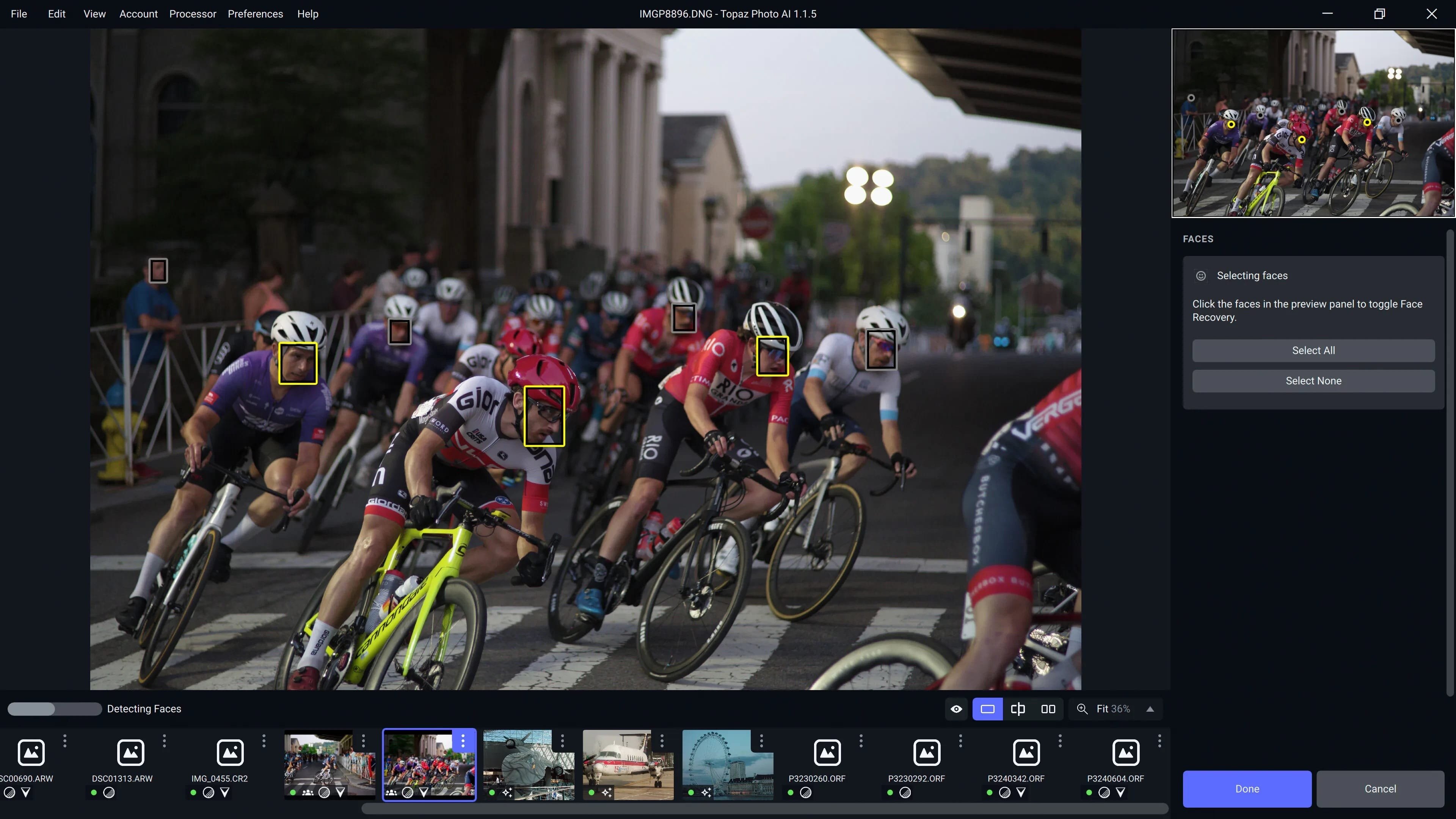
下载地址:
下载地址: